 Bank Tracker
Tap to pay
Buy your coffee like you always do. Apple Pay on your iPhone or Watch — nothing about the way you pay changes.
Bank Tracker turns Apple Pay into a spending log that writes itself. Connect your cards through Shortcuts to record the merchant, amount and card without opening the app. Your payment log is stored on your iPhone.
Connect Apple's Shortcuts Transaction automation to Bank Tracker and select the cards you use. When you add or replace a Wallet card, update that selection to keep its payments coming in.
Buy your coffee like you always do. Apple Pay on your iPhone or Watch — nothing about the way you pay changes.
The moment the receipt hits your Wallet, iOS hands merchant, amount and card to Bank Tracker. Screen locked, app closed — doesn't matter.
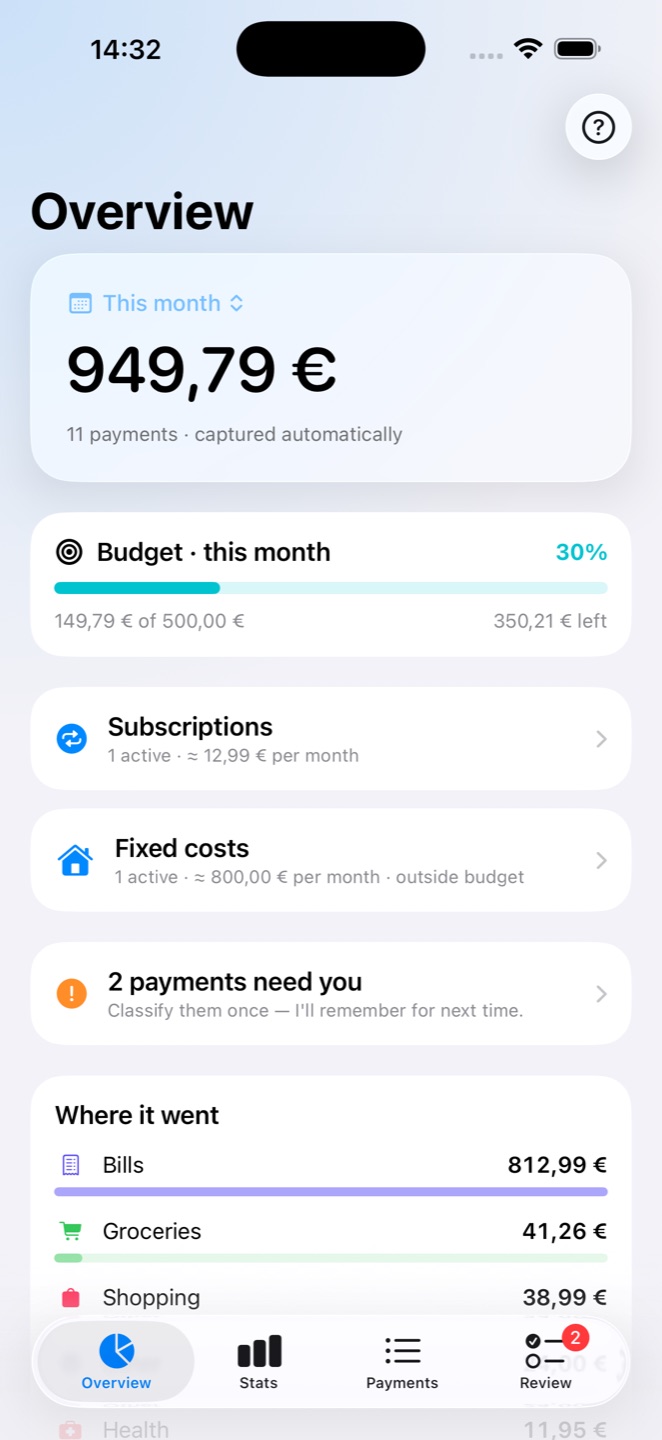
Learned categories file it, your budget updates, widgets refresh, and an alert fires if you cross a threshold you set. Anything ambiguous waits in a one-tap review queue.
One-time setup: Shortcuts → Automation → Transaction → Record Payment — the app walks you through it, step by step.
Everything you need to know where it goes — and nothing that turns tracking into a second job.
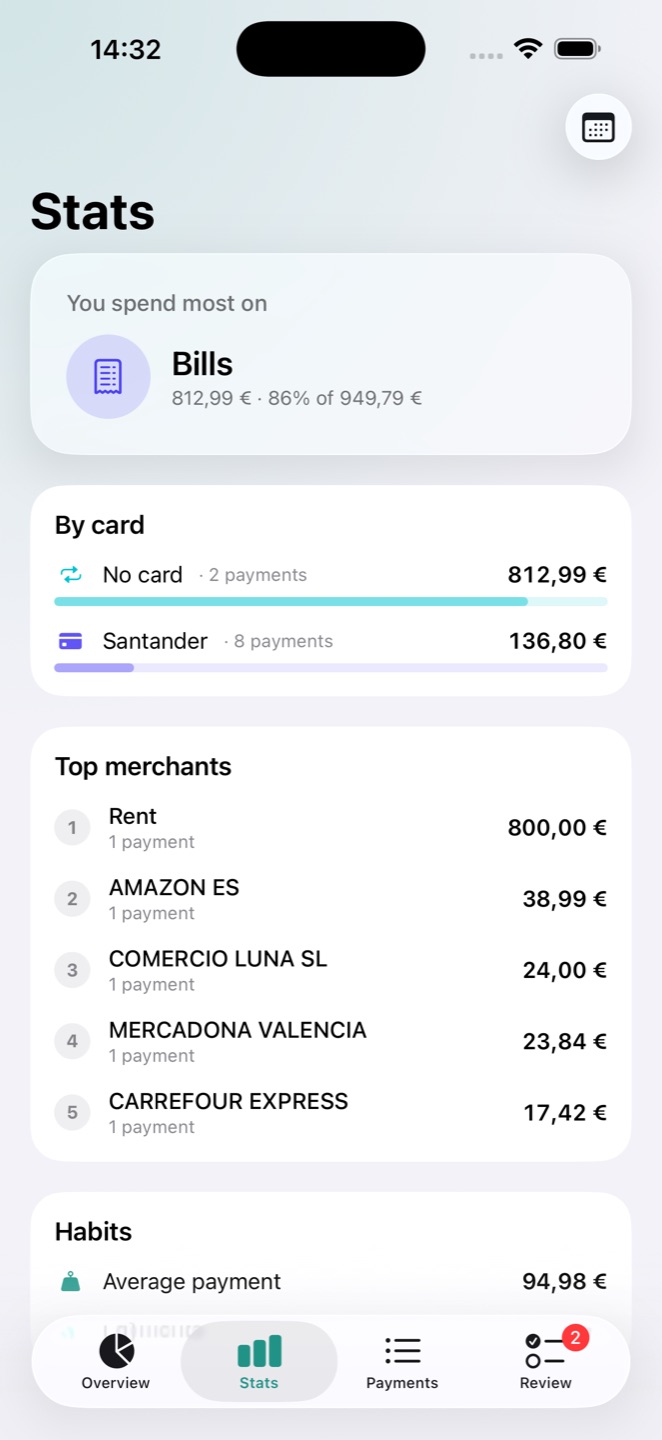
Top merchants, spending per card, category totals and habits — stats that answer the question you actually have at the end of the month.
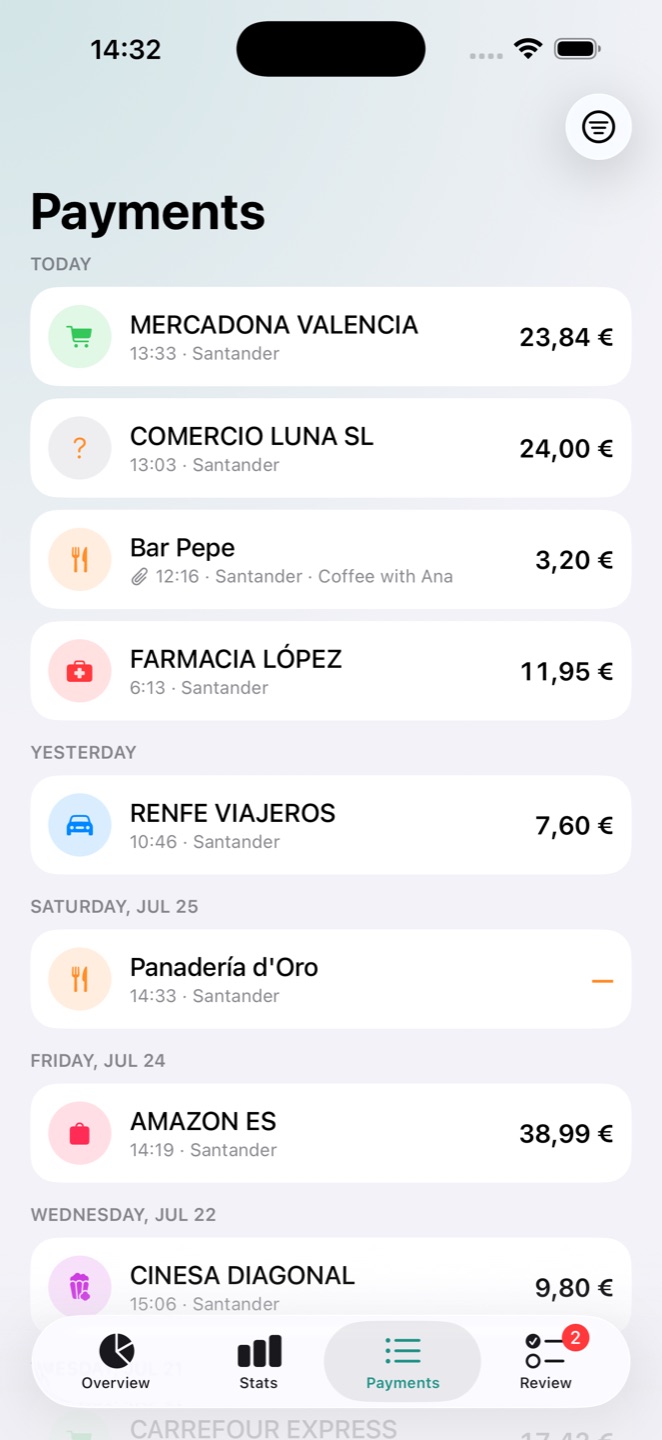
Search and filter everything you've tapped. Attach a receipt photo or a note to any payment — warranty slips live where the purchase does.
Weekly or monthly, with alerts at the thresholds you choose — 50%, 80%, 100%, your call. You hear about it when it matters, not after.
Correct a merchant once and it stays learned. Create your own categories with custom icons and colors.
Recurring charges bill themselves on schedule. Rent counts in your totals but never eats your day-to-day budget.
Home Screen and Lock Screen widgets show the month's total and budget ring without opening the app.
No account or bank login. Your payment log lives in your iPhone's private storage. Map searches use Apple Maps, street-map stickers use OpenFreeMap, and Apple provides Pro subscriptions. Shared images go to the recipient you choose.
Set it up once. Then just pay — Bank Tracker remembers, so you don't have to.
Free · iOS 17+ · Apple Pay and a Shortcuts automation for automatic capture